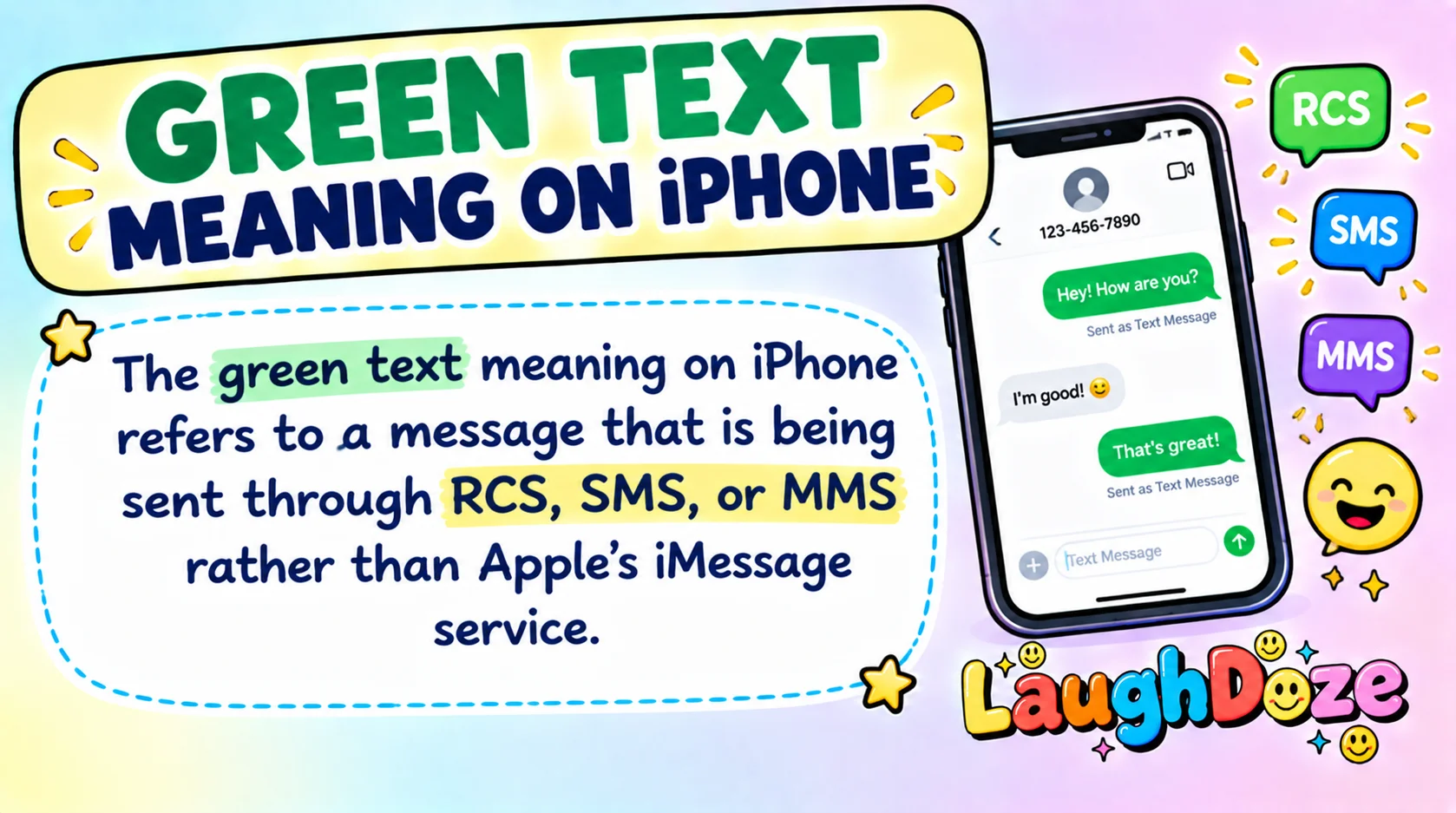
If you have ever noticed a green text on your iPhone, you may have wondered why some messages are blue while others are green. The green text meaning on iPhone is simple: the message was sent using RCS, SMS, or MMS instead of iMessage.
This can happen when you message someone without iMessage, when iMessage is turned off, or when iMessage is temporarily unavailable.
Apple currently uses green bubbles for RCS as well as traditional SMS and MMS messages.
Green bubbles are common when texting Android users, but they can also appear in other situations.
In this guide, you will learn what green texts mean, why they happen, how they differ from blue messages, what RCS changes, and whether a green message means someone blocked you.
What Does Green Text Meaning on iPhone Mean in Text & Chat?
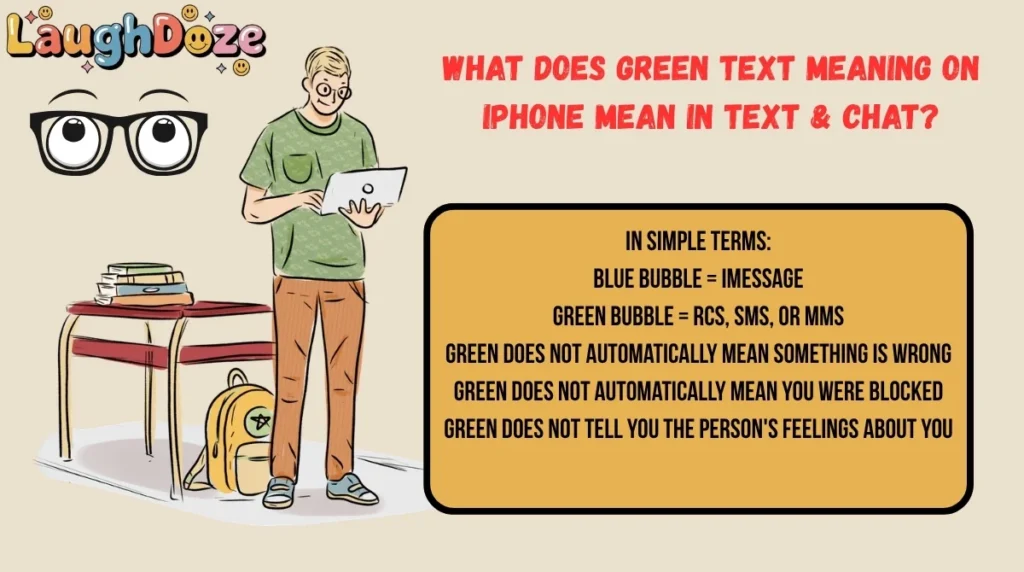
The green text meaning on iPhone refers to a message that is being sent through RCS, SMS, or MMS rather than Apple’s iMessage service.
A blue bubble means your message is being sent as an iMessage. A green bubble means your iPhone is using another messaging method. Apple confirms that SMS, MMS, and RCS messages appear in green bubbles in the Messages app.
In simple terms:
- Blue bubble = iMessage
- Green bubble = RCS, SMS, or MMS
- Green does not automatically mean something is wrong
- Green does not automatically mean you were blocked
- Green does not tell you the person’s feelings about you
For example, if you text a friend who uses an Android phone, your message may appear green because iMessage is not being used.
Full Form, Stands For & Short Meaning of Green Text on iPhone
There is no official full form for “green text” because it is a description of the message bubble’s color, not an acronym.
However, three messaging systems can produce a green bubble:
| Messaging type | Full form | What it means |
|---|---|---|
| RCS | Rich Communication Services | A newer messaging standard that supports features such as read receipts and typing indicators |
| SMS | Short Message Service | Traditional text messaging |
| MMS | Multimedia Messaging Service | Messaging that supports multimedia such as photos and videos |
Apple says RCS messages can include high-resolution photos and videos, links, delivery receipts, read receipts, and typing indicators when supported.
Why Are My iPhone Messages Green?
There are several reasons an iPhone message may appear green.
1. The person uses an Android phone
This is one of the most common reasons. iMessage works between Apple devices, while RCS and SMS/MMS can be used to communicate with non-Apple devices.
2. iMessage is turned off
If iMessage is disabled on your iPhone or on the recipient’s device, messages may be sent using RCS or SMS/MMS instead.
3. iMessage is temporarily unavailable
A temporary connection or service issue can cause a message to be sent through another messaging method.
4. You recently changed or set up an iPhone
After setting up a new device, your Messages settings may need attention before iMessage works normally.
5. Your group includes someone who is not using iMessage
Group conversations can also become green when the participants are not all using iMessage. Apple notes that group conversations may use SMS, MMS, or RCS depending on the participants and settings.
Green vs. Blue Texts on iPhone
The easiest way to understand the difference is to compare the two bubble colors.
| Feature | Blue Text | Green Text |
|---|---|---|
| Main service | iMessage | RCS, SMS, or MMS |
| Typical Apple-to-Apple messaging | Yes | Not necessarily |
| Works with Android | No, as iMessage | Yes |
| Internet connection | Wi-Fi or mobile data | Depends on messaging type |
| Read receipts | Yes | Available with RCS |
| Typing indicators | Yes | Available with RCS |
| End-to-end encryption | Yes for iMessage | Depends on the RCS setup; SMS/MMS are not end-to-end encrypted |
| Bubble color | Blue | Green |
iMessage messages are end-to-end encrypted. RCS has different security characteristics, while traditional SMS and MMS are not end-to-end encrypted.
Origin, History & First Known Use of Green Text on iPhone
The green-versus-blue message design comes from Apple’s distinction between iMessage and carrier-based messaging.
Apple introduced iMessage as a way for Apple users to communicate over Wi-Fi or mobile data. Messages sent through iMessage appear blue. Traditional SMS and MMS messages appear green.
The meaning of the green bubble has expanded as Apple added RCS support to iPhone. Today, green does not necessarily mean that a message is an old-fashioned SMS. It can also mean that the conversation is using RCS.
This is an important change because many people still associate every green bubble with SMS or Android messaging. On current iPhones, that assumption is not always correct.
How People Use Green Texts in Daily Conversations
People generally do not use “green text” as a special phrase inside their messages. Instead, they notice the bubble color in Apple’s Messages app.
For example:
- You text an Android user: the message may appear green.
- Your friend switches off iMessage: your next message may appear green.
- You join a group containing non-iMessage participants: the group may use RCS, SMS, or MMS.
- iMessage is temporarily unavailable: your message may be sent another way.
- You switch to a new iPhone: your Messages settings may need to be checked.
The color describes how the message was sent, not what the message itself means.
Green Text Meaning Across WhatsApp, Instagram, TikTok & Snapchat
The green bubble meaning is specific to Apple’s Messages app. Other social platforms do not use the same blue-versus-green iMessage system.
WhatsApp uses its own messaging system. A green text on an iPhone does not mean the same thing as a green iMessage bubble.
Instagram direct messages are handled inside Instagram. The color of an Instagram message should not be interpreted using Apple’s iMessage rules.
TikTok
TikTok messages use TikTok’s own messaging interface. A green bubble in Apple’s Messages app has no special TikTok meaning.
Snapchat
Snapchat also has its own chat system. If someone says “green text” while talking about Snapchat, the meaning depends on their specific context rather than Apple’s Messages app.
So, if someone asks “What does green text mean on iPhone?”, they are usually talking about the Messages app rather than another social media platform.
Different Meanings of Green Text on iPhone in Other Fields
The phrase can have different meanings outside Apple’s Messages app.
For example, green text might simply describe text displayed in a green font on a website, app, document, or graphic.
In the iPhone context, however, “green text” usually refers to a green message bubble.
The most important distinction is this:
Green bubble = messaging method, not a secret message or emotional signal.
Common Confusions, Mistakes & Wrong Interpretations
Green messages often create confusion, especially in conversations between iPhone users.
Does green mean the person blocked you?
Not by itself. A green bubble does not prove that someone blocked you. Apple lists several other reasons for green messages, including the recipient not using an Apple device, iMessage being disabled, or iMessage being temporarily unavailable.
Does green mean they have an Android?
Often, but not always.
An Android phone is a common reason for a green bubble, but green bubbles can also result from RCS, SMS/MMS, disabled iMessage, or temporary iMessage problems.
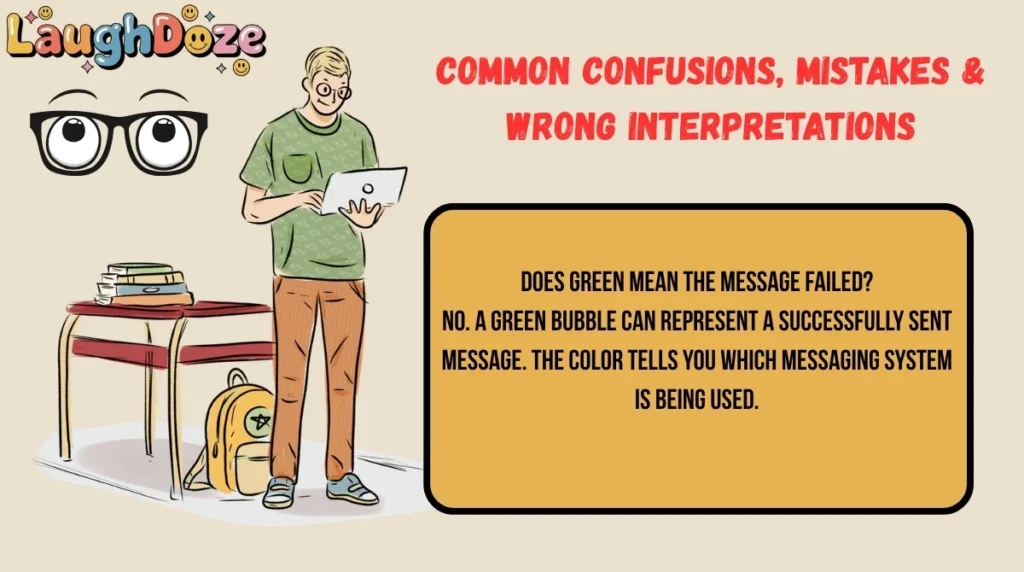
Does green mean the message failed?
No. A green bubble can represent a successfully sent message. The color tells you which messaging system is being used.
Does green mean the person dislikes you?
No. The bubble color is a technical feature of the messaging system. It does not show someone’s attitude toward you.
Does green mean SMS only?
No. Current iPhones also use green bubbles for RCS.
Similar Terms, Alternatives & Related Messaging Terms
| Term | Meaning | Usage |
|---|---|---|
| iMessage | Apple’s internet-based messaging service | Apple-to-Apple messaging |
| Blue bubble | Message sent through iMessage | iPhone, iPad, Mac, and other Apple devices |
| Green bubble | Message sent through RCS, SMS, or MMS | Often used with non-iMessage conversations |
| RCS | Rich Communication Services | Modern messaging with supported carriers and devices |
| SMS | Short Message Service | Traditional text messaging |
| MMS | Multimedia Messaging Service | Texting with multimedia support |
| Text message | General term for mobile messaging | Everyday conversations |
| Messages app | Apple’s built-in messaging app | Sending iMessage, RCS, SMS, and MMS |
Examples of Green Text in Real Chat Situations
Here are realistic situations where you might see a green message on an iPhone:
- “Hey, are you free for dinner tonight?” — sent to a non-iMessage contact 😂
- “I just got your message. Give me five minutes!” — the conversation is using RCS 😊
- “Why did my message turn green?” — the sender notices the change 🤔
- “Can you send me the address again?” — an ordinary green-bubble conversation.
- “I switched phones yesterday, so Messages is acting weird.” — a possible setup-related issue.
- “Everyone in this group can see the replies, right?” — a group messaging question.
- “My texts were blue yesterday and green today.” — possibly a change in iMessage availability.
- “Are you using Android now?” — a common question after seeing a green bubble.
- “The photo came through, but the bubble is green.” — possible RCS or MMS messaging.
- “I thought green always meant SMS.” — a common misunderstanding.
- “Try turning iMessage back on.” — a possible troubleshooting step.
- “Don’t worry, green doesn’t automatically mean you’re blocked.” — correcting a common assumption.
How to Reply When Someone Says Their Texts Are Green
If someone asks why their messages are green, your reply can depend on the situation.
Casual reply
“It probably means the message is using RCS or SMS/MMS instead of iMessage.”
Friendly reply
“No worries! Green just means it isn’t going through iMessage. There are a few reasons that can happen.”
Funny reply
“The bubbles went green, but your friendship is still safe 😂”
Formal reply
“A green message bubble generally means the message was sent using RCS, SMS, or MMS rather than iMessage.”
If they think they were blocked
“A green bubble alone doesn’t confirm that. It can happen for several technical reasons.”
How to Make Green Messages Blue Again
If you want your messages to use iMessage when possible, check your iPhone settings.
On current iPhone software, go to:
Settings → Apps → Messages → iMessage
Make sure iMessage is turned on. Apple also recommends checking Send & Receive if necessary to make sure your phone number or email address is correctly selected.
However, you cannot turn an Android user’s message into an iMessage simply by changing a setting. iMessage requires an Apple device and an active iMessage connection.
Also remember that RCS is now an option for supported carriers. RCS messages remain green even though they can provide features such as read receipts, typing indicators, and high-resolution media.
Is Green Text Still Popular? Trends & Online Usage
Yes. Green messages remain common because iPhone users communicate with people who use different phones and because Apple now supports RCS.
The meaning has become more nuanced over time. In the past, many people simply understood a green bubble as SMS/MMS or a message to a non-iPhone user. Today, that is incomplete because RCS also uses green bubbles.
You are most likely to notice green bubbles when:
- Texting someone who does not use iMessage
- Messaging across iPhone and Android devices
- Using RCS
- Sending SMS or MMS
- iMessage is disabled or temporarily unavailable
- Participating in certain mixed-device group chats
So, green texting is not disappearing. Instead, the technology behind the green bubble has expanded.
Quick Facts About Green Text on iPhone
| Factor | Details |
|---|---|
| Meaning | A message sent using RCS, SMS, or MMS |
| Category | Mobile messaging |
| Tone | Neutral; the color has no emotional meaning |
| Usage Platform | Apple’s Messages app |
| Popularity | Very common |
| Formal/Informal | Neither; it describes a technical message type |
| Blue equivalent | iMessage |
| Common reason | Messaging someone who is not using iMessage |
| Does it mean blocked? | No, not by itself |
| Can RCS be green? | Yes |
FAQs
What does green text mean on iPhone?
Green text on an iPhone means the message was sent using RCS, SMS, or MMS instead of iMessage. The most common reason is that the recipient is not using iMessage, but green can also appear when iMessage is turned off or temporarily unavailable. Green does not automatically indicate that anything is wrong.
What does green text mean on Snapchat?
Green text does not have the same standard meaning on Snapchat that it has in Apple’s Messages app. If someone is talking about a green message bubble on an iPhone, they are usually referring to Apple’s Messages app. Snapchat has its own chat interface, so its message colors should be interpreted within Snapchat’s system.
Is green text rude?
No. A green message bubble is not rude and does not express a person’s attitude. It simply indicates that the message was sent using RCS, SMS, or MMS rather than iMessage. Someone may have a green conversation because of their phone, settings, carrier, or messaging connection.
What does green text mean from a girl?
If a girl sends you a green-bubble message on an iPhone, the color does not reveal her feelings or intentions. Green simply describes the messaging method. The conversation itself, including her words and context, provides the relevant meaning—not the color of the bubble.
What does green text mean from a guy?
A green text from a guy has the same technical meaning as a green text from anyone else. It means the message is using RCS, SMS, or MMS instead of iMessage. The bubble color does not indicate interest, disinterest, friendliness, or any other personal feeling.
Does green text mean you are blocked on iPhone?
No. A green bubble alone does not prove that you have been blocked. Apple lists several reasons messages can become green, including a recipient without an Apple device, iMessage being disabled, or iMessage being temporarily unavailable.
Why did my text turn from blue to green?
Your message may have turned green because iMessage was unavailable, disabled, or no longer being used for that conversation. The recipient may also have changed devices or settings. Current iPhones can use RCS, SMS, or MMS when iMessage is not being used.
Can green messages have read receipts?
Yes, if the green message is using RCS and the required carrier and device support is available. RCS can provide read receipts and typing indicators. Traditional SMS and MMS do not offer the same RCS feature set.
Are green texts encrypted?
It depends on the messaging system. iMessage is end-to-end encrypted. Traditional SMS and MMS are not end-to-end encrypted. Some RCS conversations can use end-to-end encryption when supported by the relevant network providers and participants.
Conclusion
The green text meaning on iPhone is mainly technical rather than social. A green bubble means your message is being sent through RCS, SMS, or MMS instead of iMessage.
This commonly happens when communicating with someone who is not using iMessage, but it can also happen because of messaging settings or temporary service issues.
The biggest thing to remember is that green does not automatically mean you were blocked, ignored, or rejected.
It also does not always mean SMS, because modern iPhones use green bubbles for RCS too.
If you want blue bubbles when possible, check that iMessage is enabled under your iPhone’s Messages settings.
But when a conversation uses RCS, SMS, or MMS, the green bubble is simply showing you which messaging technology is handling the conversation.

Max Wilder is a humor writer on a mission to make the internet laugh one pun at a time.